A2UI and MCP Apps: Three Integration Patterns, Not a Winner
How to combine native A2UI surfaces, MCP resources, and sandboxed MCP Apps using three official architecture patterns.
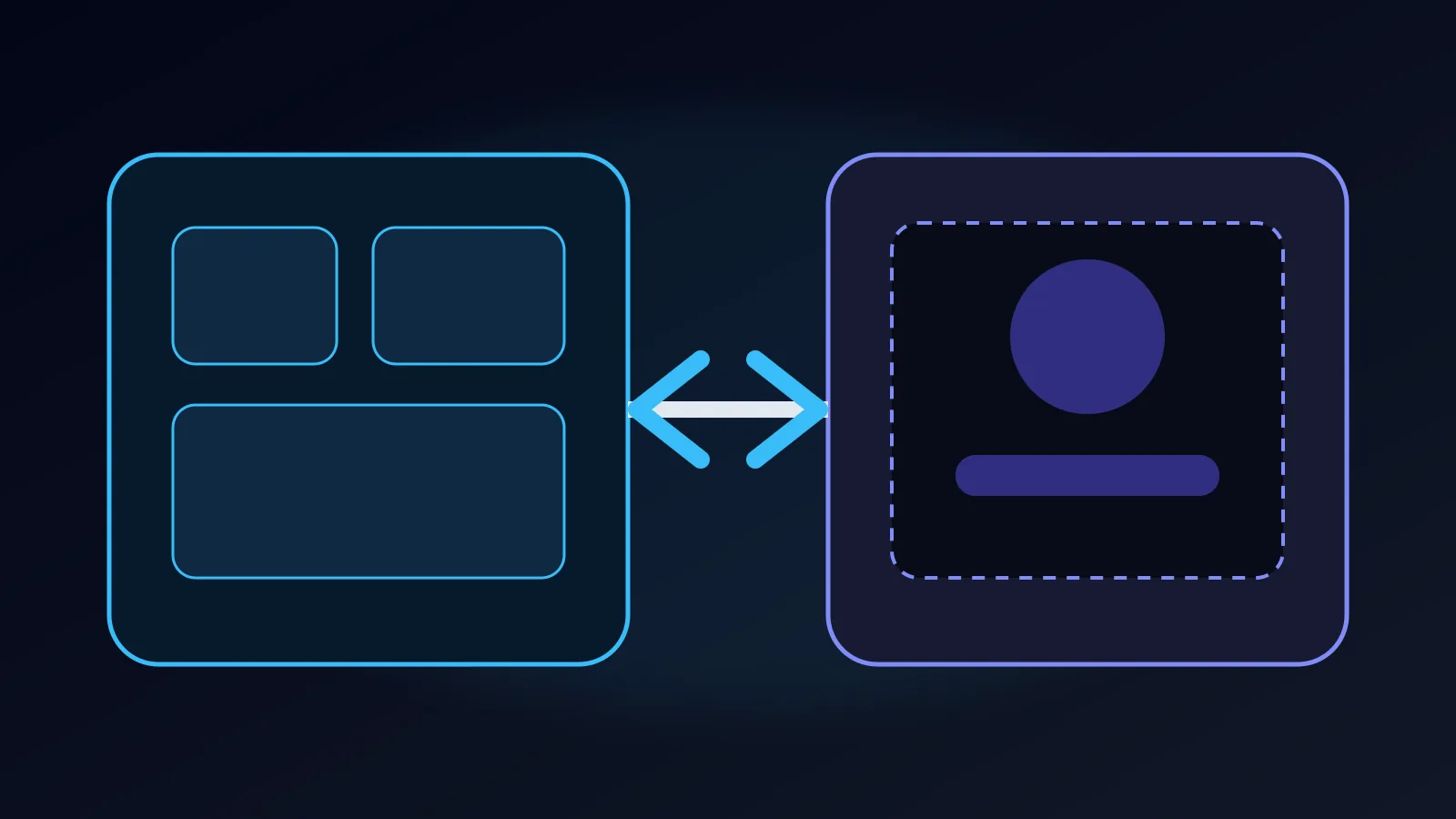
The useful comparison is not “A2UI or MCP Apps.” The two technologies control different boundaries. MCP connects models to tools and resources. MCP Apps packages custom web experiences in an isolated runtime. A2UI sends declarative UI intent to a host-owned renderer. Official guidance now describes three combinations.
1. A2UI over MCP
An MCP server exposes an A2UI resource with the application/a2ui+json media type and an a2ui:// URI. Static UI can be read as a resource; parameterized UI can be returned from a tool call.
This is the default for forms, approval cards, tables, charts, and status views that fit the host catalog. Rendering remains native, so the host controls design tokens, accessibility behavior, navigation, telemetry, and action policy. The server must still validate inputs and the client must validate the returned A2UI schema.
2. MCP App inside A2UI
An approved A2UI catalog component acts as a wrapper for an MCP App. Native components can frame a specialized editor, canvas, game, or legacy web module that would be expensive to express as catalog primitives.
The wrapper is an elevated capability. Limit allowed origins and sandbox permissions, keep the message bridge narrow and typed, disclose the remote origin, and prevent the embedded app from impersonating trusted host controls. Do not pass authentication tokens or private model context through broad component properties.
3. A2UI inside an MCP App
An MCP App can bundle an A2UI renderer when its host supports MCP Apps but has no native A2UI runtime. This provides a compatibility route and lets the sandbox create generated sub-surfaces.
The trade-off is important: the final UI remains inside an iframe. Host-native focus management, accessibility semantics, styling, and navigation do not appear automatically. Test the complete assistive-technology path rather than assuming the inner renderer inherits the outer host behavior.
Decision rule
Choose A2UI over MCP for ordinary product workflows that should look and behave like the host. Add an MCP App only for a bounded module whose open-ended client runtime is necessary. Put A2UI inside an MCP App when compatibility with an existing MCP Apps host is the actual constraint.
All three patterns need threat modeling. Declarative JSON reduces arbitrary code delivery but does not make URLs, actions, text, or data trustworthy. Iframe isolation limits reach but does not prevent misleading content or unsafe bridge calls. Apply the integration guide and production security checklist before deployment.
Frequently asked questions
Does MCP Apps replace A2UI?
No. MCP supplies tools and resources, MCP Apps supplies sandboxed web UI, and A2UI supplies declarative native UI intent; systems can combine them.
Which pattern best preserves the host design system?
A2UI over MCP, because the host renderer maps validated intent to its own approved native components.