Real-World A2UI Insights: Landscape Architect Demo
An in-depth analysis of how A2UI combined with a multimodal LLM constructs unprecedented dynamic form flows, illustrated by the official Landscape Architect demo.
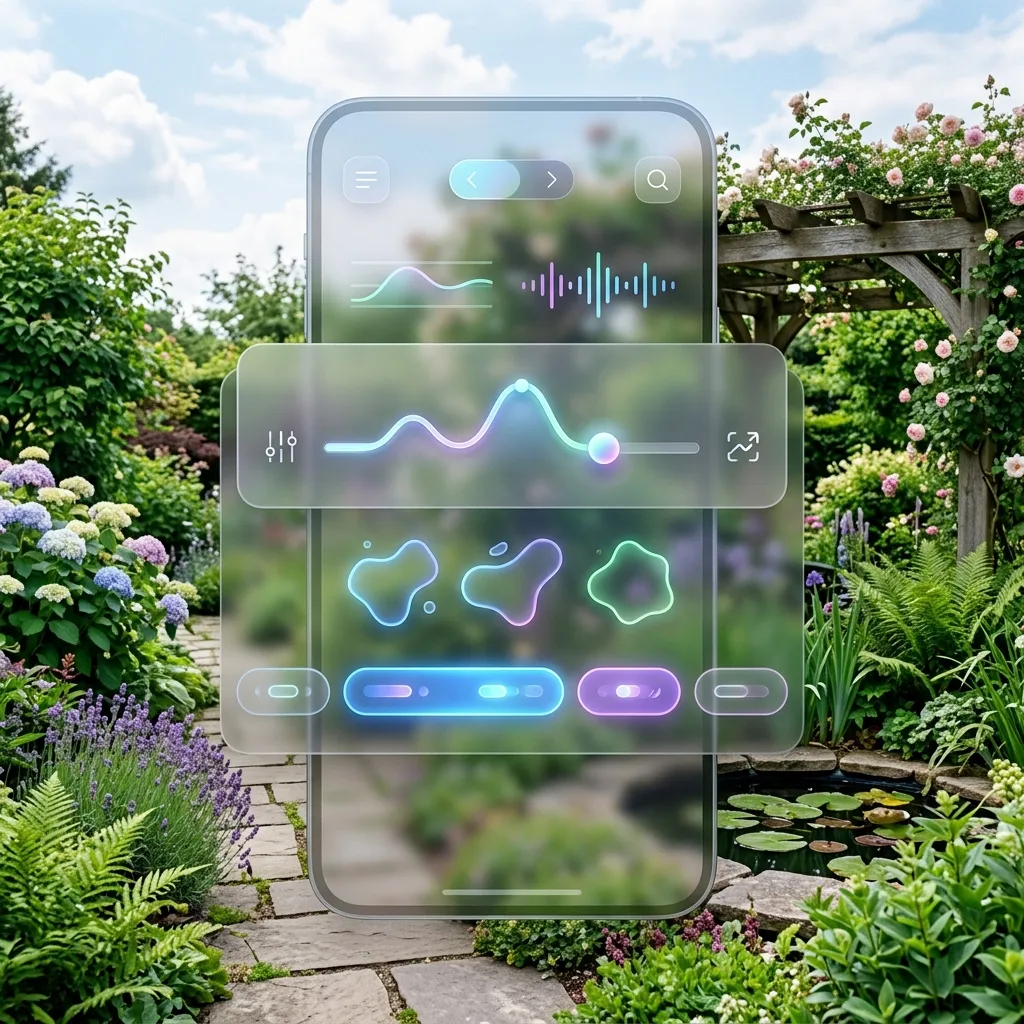
In-Depth Case Study: A2UI Landscape Architect Demo
The A2UI protocol is more than just a simple communication standard; it completely breaks down the physical barrier between the model’s backend and the user’s interactive frontend. To intuitively demonstrate this advantage, the official A2UI release featured the Landscape Architect Demo, providing an almost sci-fi use case: an Agent acting as an omnipotent landscape designer that can “see” your yard and instantly generate a tailored interactive UI to drive the renovation plan.
Scenario Recap
In this demonstration, the core user flow is:
- Upload an Image: The user takes a picture of their (or their client’s) overgrown backyard and sends it to the Agent.
- Multimodal Understanding: The underlying model (like Gemini 1.5 Pro) not only identifies the lack of planning in the yard but accurately maps out the sunlight paths, broken fences, and potential zones for a recreational area.
- Native Component Rendering: The Agent does not reply with a massive wall of text (“I see your yard, we can plant flowers, what do you like, what is your budget?”). Instead, it directly renders a native design questionnaire form on the screen.
Why is this Interaction so Exciting?
Breaking the “Chat Wall”
In the old era, to gather multi-dimensional information from a user (plant preferences, budget scope, pet ownership, irrigation needs), a chatbot had to fire off 5 to 6 consecutive questions. The user was forced to type out itemized replies or suffer through a rigid multi-turn conversation.
With A2UI:
- Structured Collection: Via a single JSON push, the Agent lays down dropdowns, sliders, and multi-select chip tags right onto the user’s native application screen.
- Native Smoothness: It all appears directly in the client’s UI tree. No iframes, no web redirects. You get perfect drop shadows, corner radius feedback, and the app’s native color management (Material Design / Human Interface Guidelines).
A Glance at the Code: How Does it Work Under the Hood?
The critical A2UI tree structure generated by the Agent based on the visual prompt looks roughly like this snippet:
{
  "surfaceUpdate": {
    "surfaceId": "landscape-onboarding",
    "components": [
      {
        "id": "budget-slider",
        "component": { "Slider": { "min": 500, "max": 10000, "value": {"path": "/landscape/budget"} } }
      },
      {
        "id": "preference-chips",
        "component": {
          "ChoiceChips": {
             "options": ["Low Maintenance", "Drought Tolerant", "Attracts Butterflies", "Kid Friendly"],
             "selected": {"path": "/landscape/preferences"}
          }
        }
      }
    ]
  }
}
Once the Agent sends this directive, the “ball” is in the user’s court. The user manipulates the budget slider and taps two preference chips just like interacting with the settings of a native app, then clicks “Submit.” These actions are packaged as clean structured data and securely sent back to the model through the A2UI Transport layer, kickstarting the generation of the next-step mockups.
Conclusion
The Landscape Architect Demo serves as a window into the next generation of software formats. A2UI definitively ends the fatalistic idea that “developers must hardcode forms into the frontend in advance.” Given a rich Library (Catalog) of components, the AI becomes a master builder capable of assembling UI widgets on the fly. This combination of multimodal perceptive capability and instantaneous rendering is poised to reshape all highly interactive industries, including services, design, and e-commerce.